
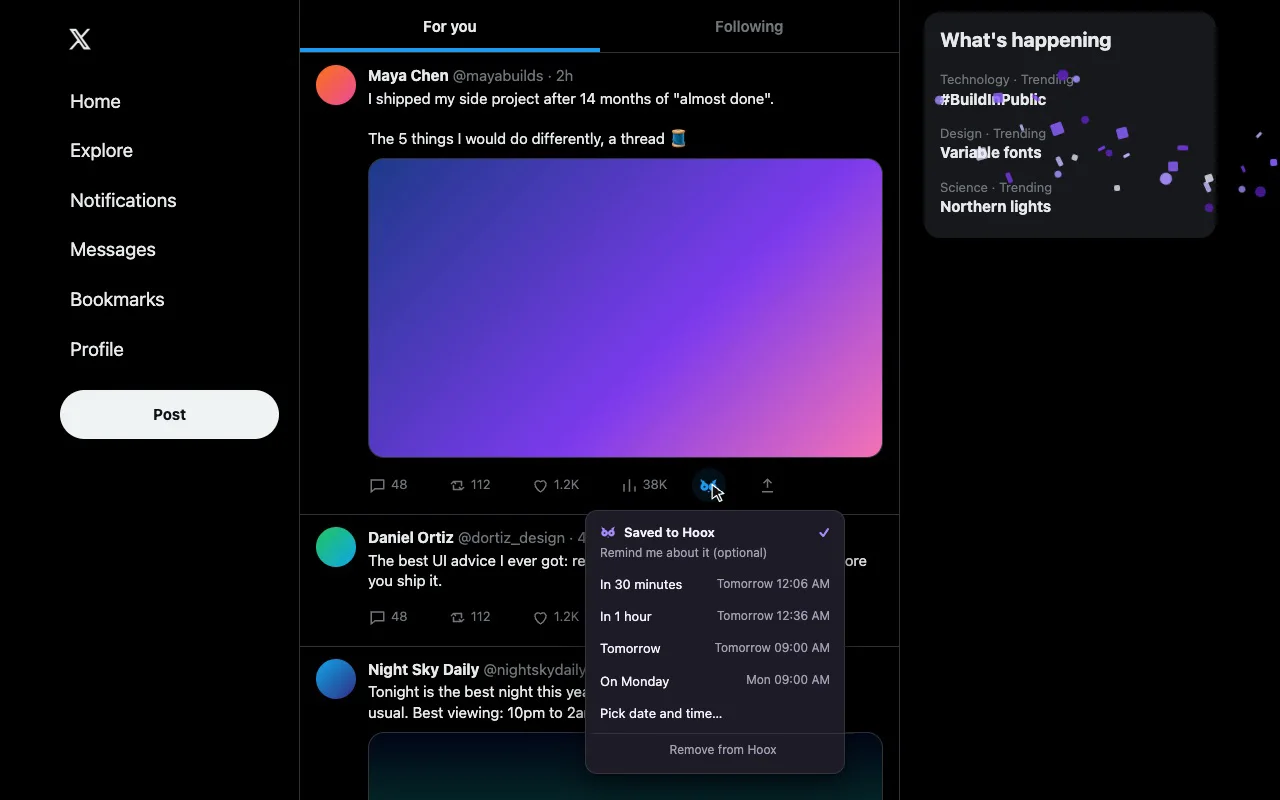
Maya Chen@mayabuilds · 2h
The 5 things I'd do differently if I started my side project again. A thread 🧵
💬 48🔁 112♡ 1.2K
Saved to Hoox✓
Remind me about it (optional)
Free Chrome extension
Hoox puts a small owl next to posts and videos on YouTube, X, LinkedIn, Instagram, Reddit and 20 more sites. One click saves it to one list, with a reminder if you want one.
The 5 things I'd do differently if I started my side project again. A thread 🧵
↑ Try it: click the owl
See it in action
How it works
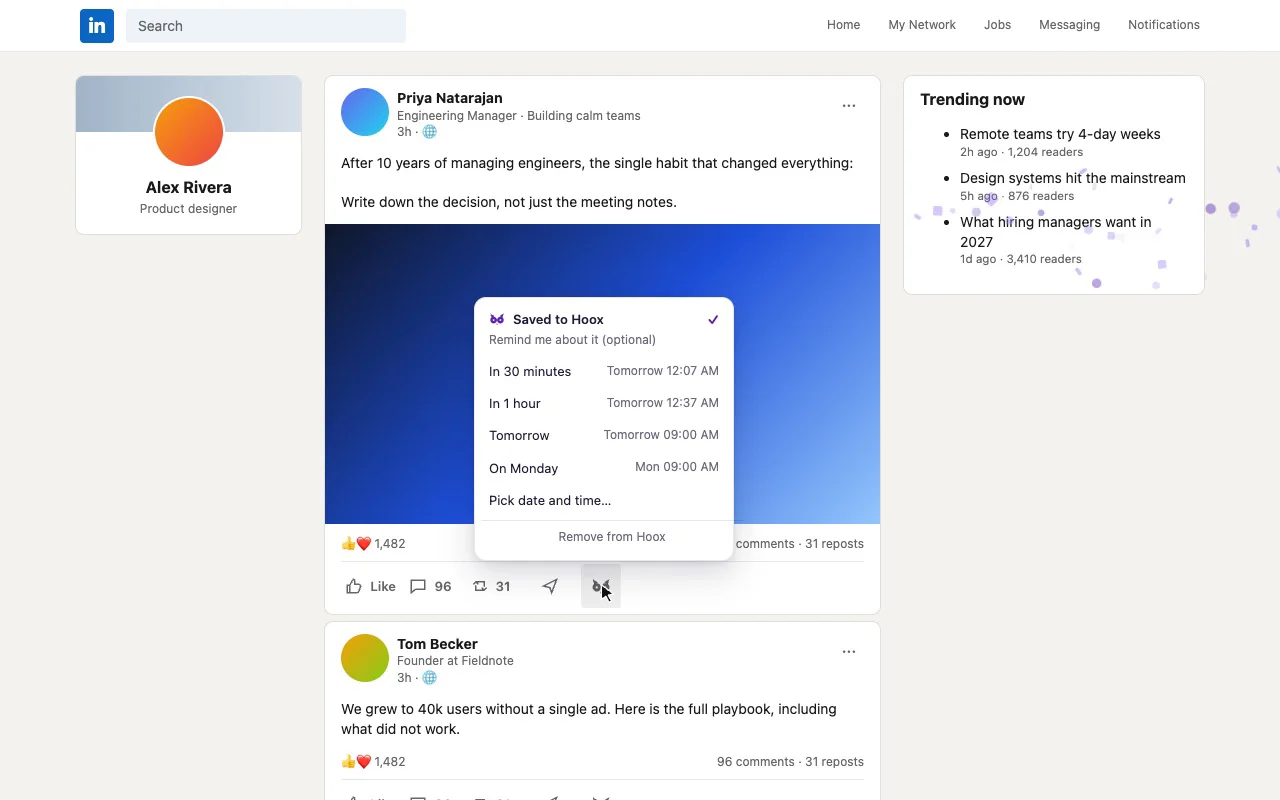
The owl sits next to the like and share buttons and copies their style, so it looks like part of the site. Save from the feed or from the post itself, without opening anything.
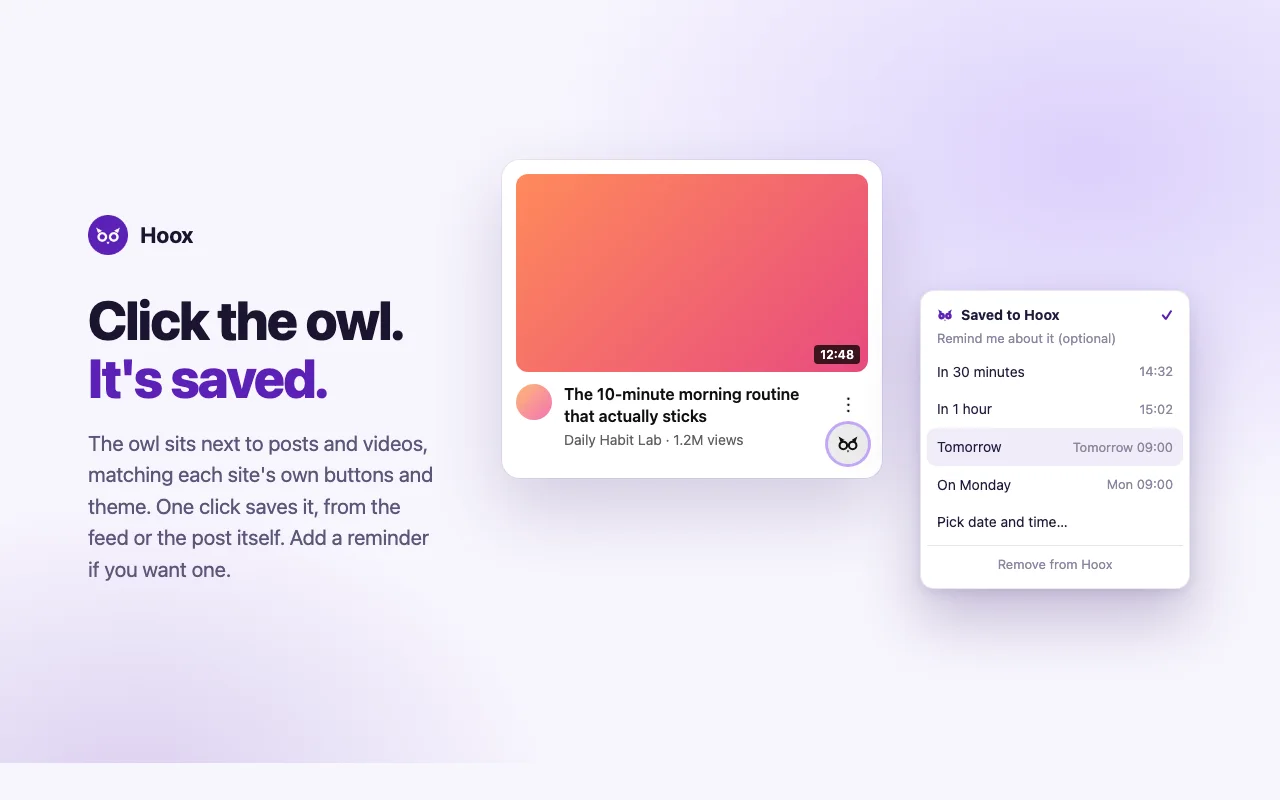
In 30 minutes, in an hour, tomorrow morning, Monday, or any date and time. Chrome shows a notification when it's time, with Open and Snooze.
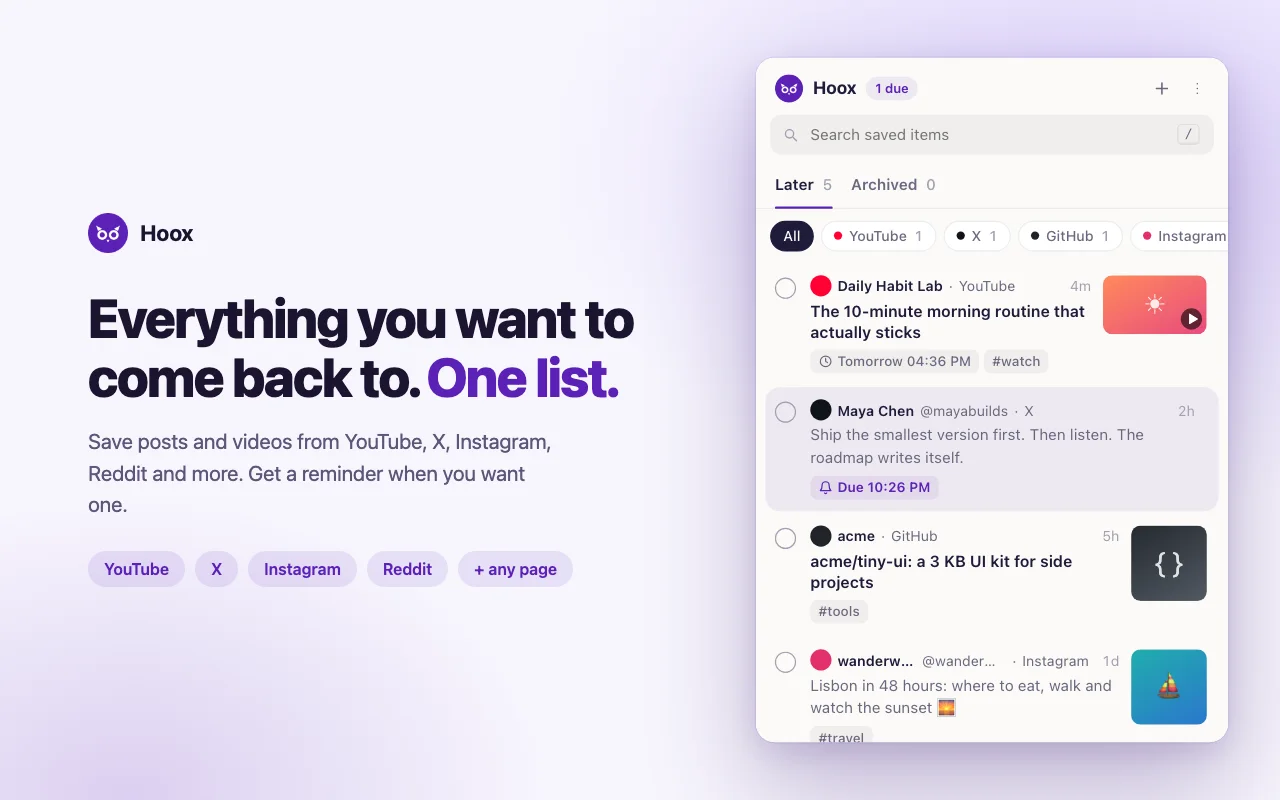
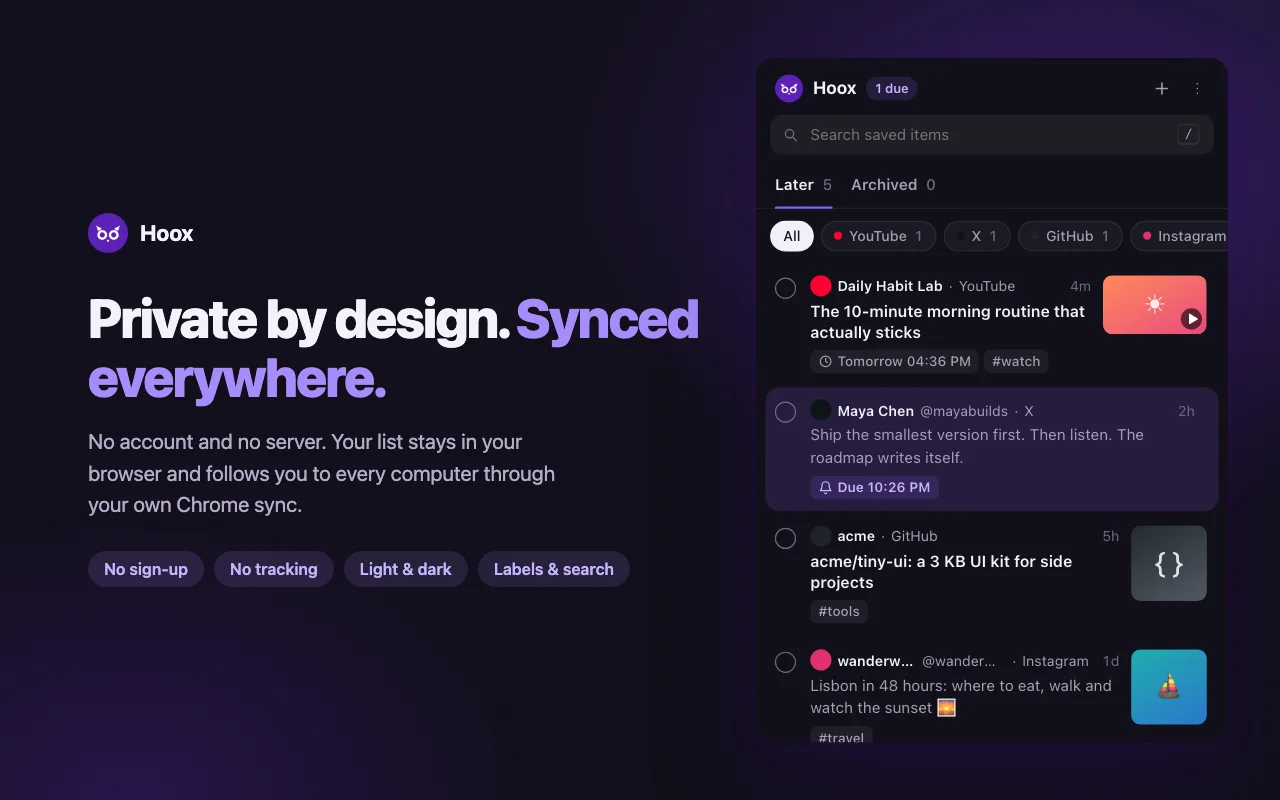
Click the Hoox icon to see what you saved, newest first. Search, filter by site, add labels, check things off. The number on the icon tells you how many are waiting.
Works where you scroll
Save tweets, LinkedIn posts, Instagram posts, Reddit threads and YouTube videos to the same place.
Small things, done well
Chrome notifications with Open and Snooze, plus a short morning digest of what's waiting.
Articles, docs, GitHub repos: press ⌘⇧S (Ctrl+Shift+S on Windows) or click + in Hoox.
Save a link or image without opening it. Your tab stays where it was.
Filter by site or label, search everything, and move through the list with the keyboard.
Check items off. They stay in the list, dimmed, until you archive or delete them.
The owl matches each site's buttons, colors and light or dark theme, in 17 languages.
Private by design
Hoox has no backend. What you save stays in your browser and follows you to your other computers through your own Chrome sync. No sign-up, no analytics, no ads.
Questions
Hoox is a free Chrome extension for saving things for later. It adds a small owl button to posts and videos on sites like YouTube, X, LinkedIn, Instagram and Reddit. One click saves the post to a single list, with an optional reminder.
Yes. No account, no ads, no paid plan.
The owl appears on YouTube, X (Twitter), LinkedIn, Instagram, Reddit, Facebook, TikTok, Threads, Bluesky, Spotify, Pinterest, Hacker News, Medium, Substack, DEV, Product Hunt, Dribbble, Twitch, Vimeo, Tumblr, Mastodon and SoundCloud. Save any other page with + in the popup, ⌘⇧S, or the right-click menu.
Bookmarks and each app's "saved" tab keep things in separate places, and nothing reminds you. Hoox keeps posts, videos and pages from every site in one list, shows a count of what's waiting, and reminds you when you asked it to.
Yes. It saves articles and pages like a read-later app, and it also saves social posts and videos right from the feed, with reminders so you actually come back to them.
Yes, through your own Chrome sync. Sign into Chrome with the same Google account and turn on sync for extensions. Items, labels and reminders follow you.
No. Hoox has no server and no analytics. Nothing you save is sent to the developer or anyone else. Privacy policy.
Hoox is built for Chrome. Chromium browsers that install from the Chrome Web Store, like Edge, Brave and Arc, can usually run it too.